
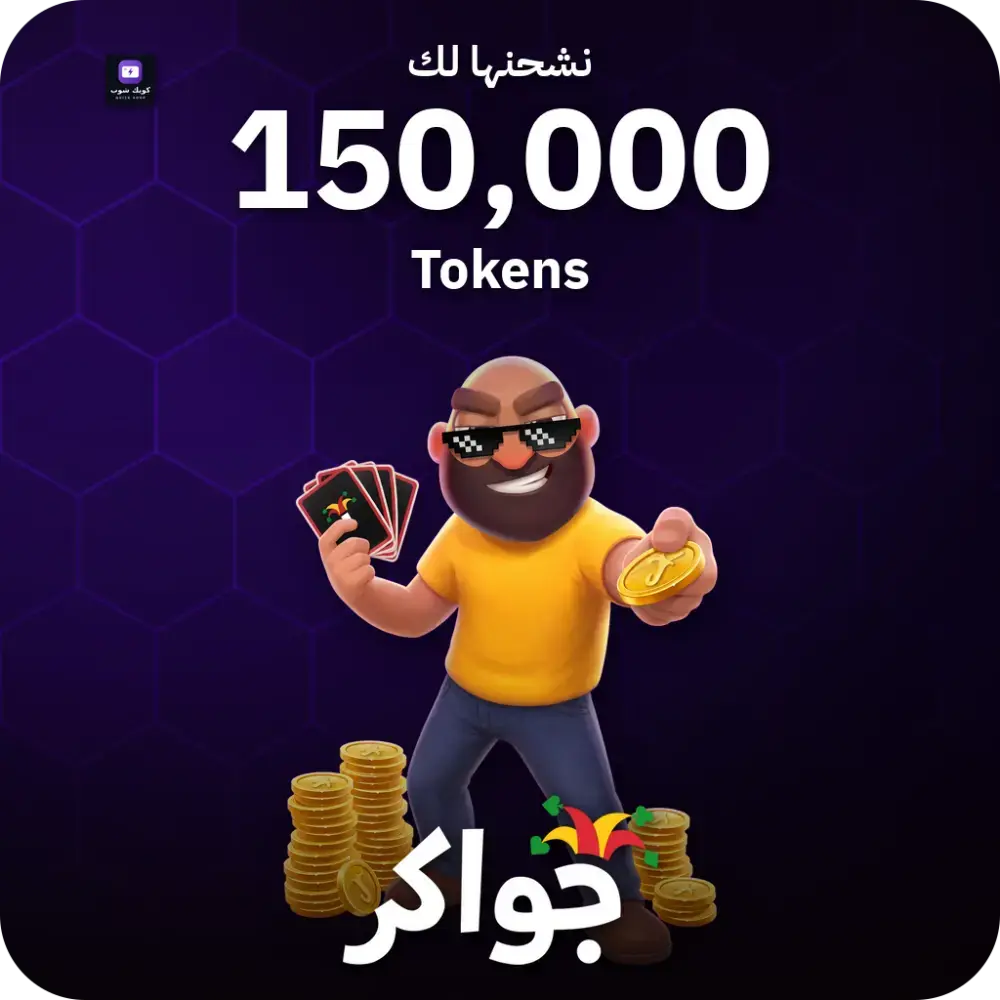
For direct top-up: Where do you find your player number?
- Open Jawaker and tap the profile picture or Settings.
- Copy the number labeled Player Number, not the username.
- Paste it into the top-up field and complete the payment.
When the status Completed appears in the order details, reopen Jawaker and check your Tokens balance in the account.
If you purchased a code
- Wait for the status Completed in the order details, then copy the code.
- Open the Jawaker link and enter the player number, then the Voucher code.
- Check the number and tap Submit.
Open the Jawaker redemption page. A success message appears and the balance is added to the specified player number.